Streaming Sticks & Media Players
Products · Streaming Sticks & Media Players
2 active deals
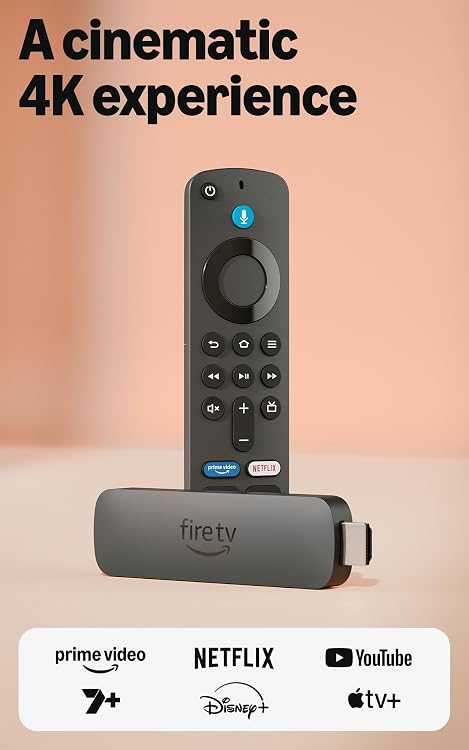
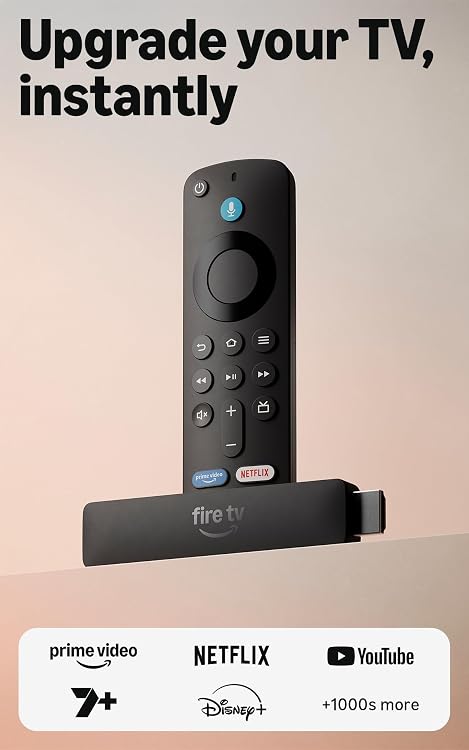
Streaming sticks and media players: choose apps and compatibility
Choose a player for the services, television and remote-control arrangement you use. A higher output resolution does not improve every film or stream. The content, subscription tier, player and display all need to support the desired combination.
Decide whether you need streaming only or also local-file playback, wired networking or additional ports. A small stick saves space but may need an extension cable, separate power supply or an adapter for particular features.
Services and software support
Check US service availability, supported app versions and the manufacturer's update history. Streaming subscriptions are normally separate from the device purchase. Confirm account requirements and which functions work without optional paid services. An app icon alone does not establish HDR, surround sound or the highest resolution on every service.
Image, audio and power
Match HDR and audio formats across the player, television and sound system. Check whether passthrough or decoding is supported for your setup. Use the specified power arrangement rather than assuming the television's USB port is sufficient. Wireless congestion or a weak signal can cause problems even with a capable player.
Controls and continuing usefulness
Compare remote buttons, volume control and accessibility features. Bluetooth pairing and voice functions vary. Ethernet or extra storage may require a specific compatible adapter. For local files, check codec and subtitle support. A responsive, maintained device that fits your services may be more practical than paying for unused gaming or automation features.