Networking
Explore Networking by subcategory and find the deals you are looking for.
Subcategories
Products · Networking
0 active deals
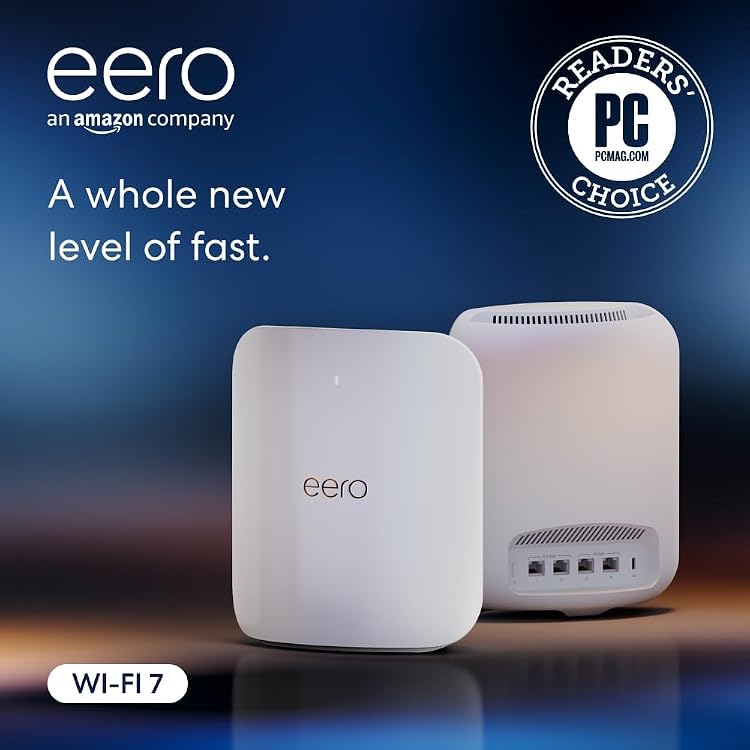
eero Max 7 mesh Wi-Fi router, 2-pack
Deal ended
View product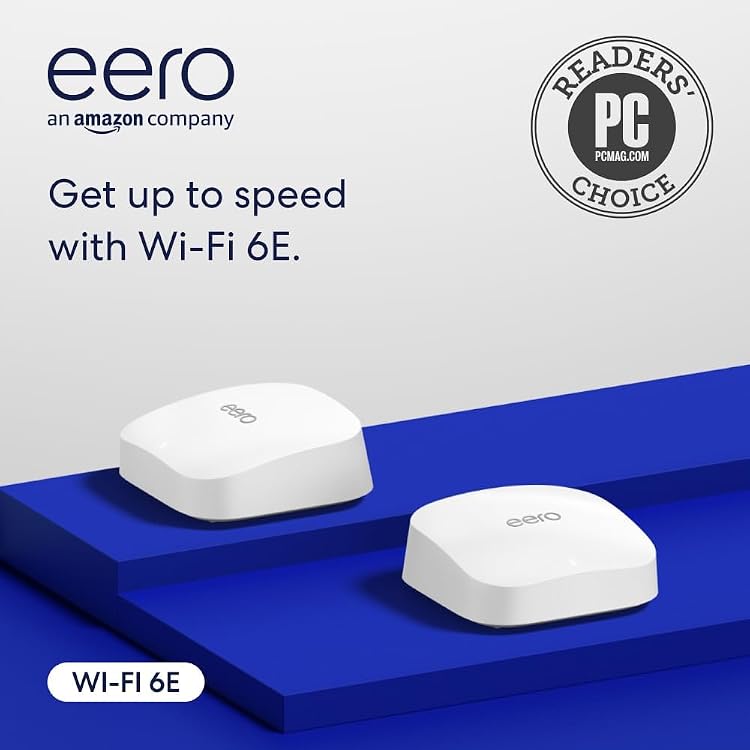
eero Pro 6E mesh Wi-Fi system, 2-pack
Deal ended
View product
eero Pro 7 Tri-Band Mesh Wi-Fi 7 Router, 2-Pack
Deal ended
View product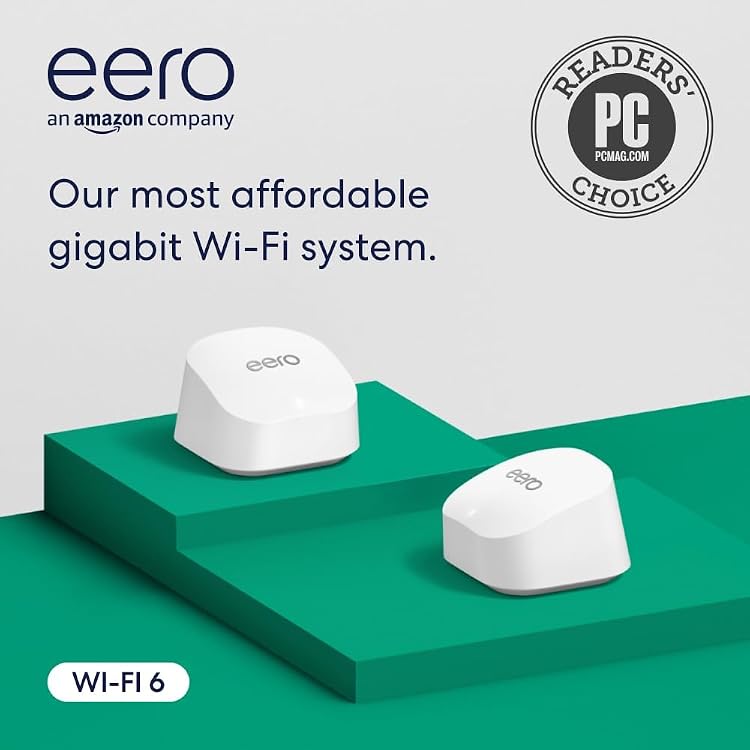
eero 6+ dual-band Wi-Fi 6 mesh system, 2-pack
Deal ended
View product
eero 7 Wi-Fi 7 Mesh Router, 2-Pack
Deal ended
View productNetworking: solve the connection problem before choosing hardware
Identify whether the problem is internet speed, wireless coverage or connecting more devices. A router, access point, extender and switch perform different jobs. Buying the newest wireless standard does not automatically solve a weak signal or a slow internet plan.
Map where the connection enters the home and where devices are used. Consider walls, floors and available Ethernet cabling. Start with the connection and placement you can support, then compare equipment that fits that arrangement.
Router, access point or switch
A router manages traffic between networks, an access point provides wireless access, and a switch adds compatible wired connections. Some devices combine these functions. Check whether your service requires a separate modem or specific equipment. Do not assume a router replaces the provider's modem, fiber terminal or service settings.
Coverage and wired backhaul
Wireless extenders depend on a useful signal where they are placed. Mesh systems need compatible units and may use wired or wireless links between them. Ethernet can offer a more predictable connection for fixed devices. Advertised wireless speeds combine favorable conditions and do not describe guaranteed throughput through walls.
Security and ongoing support
Check the manufacturer's update policy, supported encryption, administration controls and guest-network options. Look for a clear setup and recovery process. Avoid equipment that requires unsupported software or unclear subscriptions for essential functions. Compare port speeds and update support before paying for more antennas or a larger advertised speed total.